Desk Quest
Take on ten solo challenges and earn stars toward new pen skins.
Quest rules & rewards →
The school-desk game is back.
Play the classic school-desk Pen Fight game online. Pull back your pen, release, and knock your opponent off the desk.

PULL BACK. READ THE POWER. RELEASE INTO THE BLUE PEN.
Desktop Beta · Quests, collections, friend rooms & AI trainingHow to play Pen Fight
Press your pen and drag opposite the direction you want to shoot. A shorter pull gives a gentler flick.
Let go to hit an opponent. Aim for an open route to the nearest edge, then wait for the pens to settle.
Knock the other pen off without sending your own over the edge. Save space for your rebound.
One desk. Your friends.
Open Multiplayer in the game, create a room and send your friends its invitation link or room code. Up to four seats share the desk. Choose free-for-all, pair up for 2v2, or work together in Co-op Raid.
How to create a room and invite friends →Open the game to create a room →Choose your next challenge
Take on ten solo challenges and earn stars toward new pen skins.
Quest rules & rewards →Invite friends to a four-seat desk for free-for-all or 2v2 matches.
Multiplayer guide →Team up through three enemy waves and face Desk Warden together.
Raid missions & rules →Practise angles and power with difficulty, surface and obstacle choices.
Training options →Choose a difficulty, learn each desk and earn stars. The guide explains every level and reward.
Explore Desk Quest progression →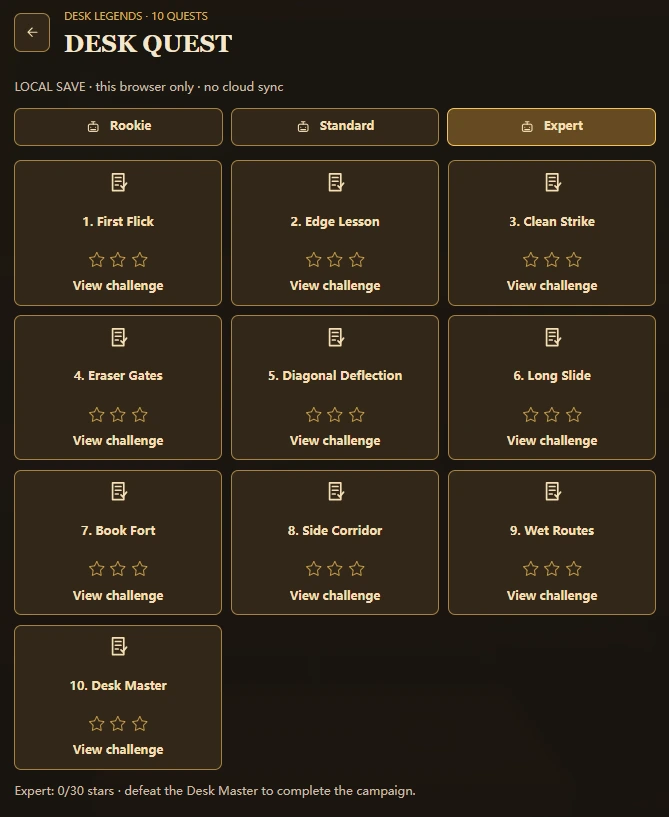
Pen Fight: Desk Legends
Flick a pen across a 3D school desk and try to knock your opponent off. Start with a solo challenge, invite friends, or collect a new look as you learn to control each shot.
Explore the complete How to Play guide →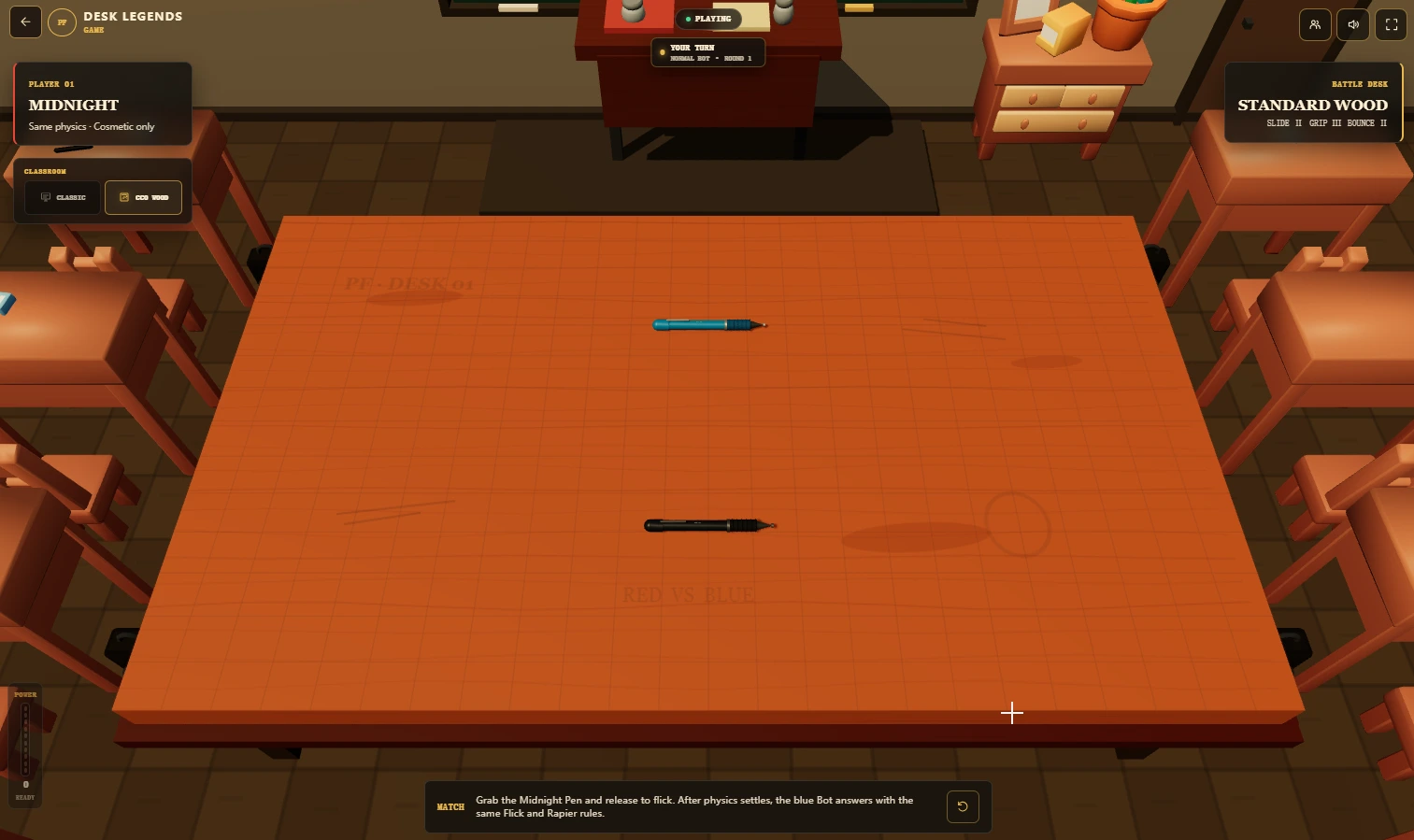

Eight collectible pen looks, one set of physics. Earn new finishes through quests, then choose your favourite for the next match.
View all pen skins and unlock requirements →Start in Classroom, then earn Warm Study and Evening Class through quest clears on any difficulty. These backgrounds change the surroundings, not your pen’s power.

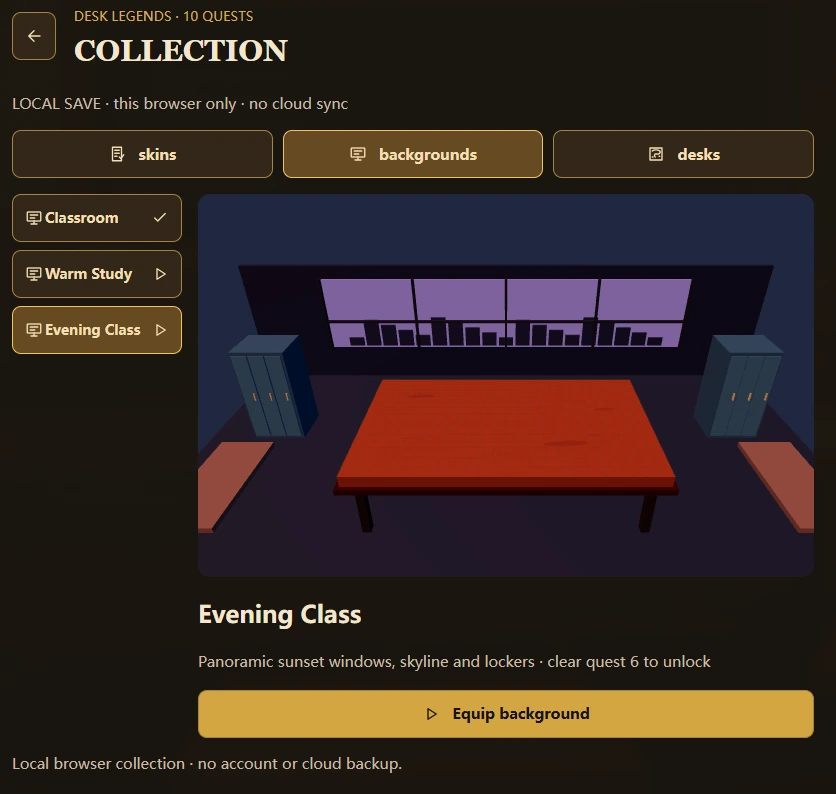
A short, controlled flick is often safer than full power. Look for the opponent’s nearest edge, then plan where your own pen will finish after contact.
Read the full Pen Fight strategy guide →Prefer to watch the tabletop idea? See the Pen Fight video section →
Quick answers · 06
Free play, controls, friend rooms, mobile play and cosmetic skins.
Yes. Pen Fight: Desk Legends is free to play in your browser on PenFight.org. No game download is required; choose guest play to get started.
Press your pen, pull back opposite the direction you want to shoot, then release. Knock the opponent off the desk while keeping your pen on it. Start with a short pull and wait for the pieces to stop.
Yes. Open Multiplayer in the game, create a room and share its invitation link or room code. Rooms have up to four seats for free-for-all, 2v2 or cooperative Raid.
Desktop is recommended. Phone and tablet controls are still being tested. If you try mobile, use landscape orientation and a current browser; touch and fullscreen behavior can vary by device.
Pen skins change appearance and visual effects, not mass or shot strength. Classroom backgrounds are also cosmetic. Desk materials are separate: wood and plastic have different friction.