


Field notes / Controls, decisions, and better rounds
A desk duel with a different controller
Cluck Battle replaces the mouse flick with microphone input. Its central joke is also its control scheme: a chicken confrontation played through short, volume-driven rounds. The reference build describes three-second duels and a set of unlockable opponents, making this a compact challenge rather than a long campaign you need to organise your evening around. On Pen Fight, it serves as a change of pace between physical aiming games. The contest is still immediate, but your first useful skill is setting up a readable signal.
That distinction matters. A microphone game should not become an invitation to shout harder indefinitely. The browser receives an audio signal, and that signal depends on the selected device, gain, distance, background sound, and processing. A clear, comfortable input can be more useful than a strained voice recorded badly. Treat the first minute as a sound check. Once the game responds consistently, you can concentrate on the short round instead of wondering whether the computer is listening to the wrong microphone.

Start with permission, then start the contest
Use Play Cluck Battle in the frame above. When the game asks for microphone access, check the browser prompt and allow it only if you want to use this audio-controlled game. The page delegates microphone access to the embedded player, but it cannot override your browser, operating system, or administrator settings. If you previously blocked the request, pressing Play repeatedly may not show it again. Look at the microphone permission beside the address bar and review the decision there.
Keep the permission question separate from the game question. Seeing the title screen proves that some resources loaded; it does not prove that the microphone is working. Before beginning a duel, speak at a normal volume and watch the game's input indicator. A visible response is a better check than the presence of a microphone icon alone. If several devices are connected, select the one you intend to use in your browser or system input settings before evaluating the controls.
Run a quiet, repeatable sound check
Begin in a reasonably quiet room. Place the microphone at a comfortable, consistent distance, then make a short ordinary sound and observe the response. You want an input that rises when you speak and settles when you stop. A bar that stays high during silence may be reacting to a fan, nearby conversation, loudspeakers, or an overly sensitive setting. A bar that never moves points toward permissions, the wrong device, a hardware mute, or an input level that is too low.
Do not solve every problem by moving your mouth directly against the microphone. Breath bursts and handling noise can create sudden peaks without making the intended sound clearer. Make one adjustment, test it, and compare. Keeping a stable setup is especially useful if you plan to take turns with a friend. Otherwise, a change in distance or gain may look like a dramatic change in skill, even though the players are no longer supplying comparable input to the same game.
Read the three-second window
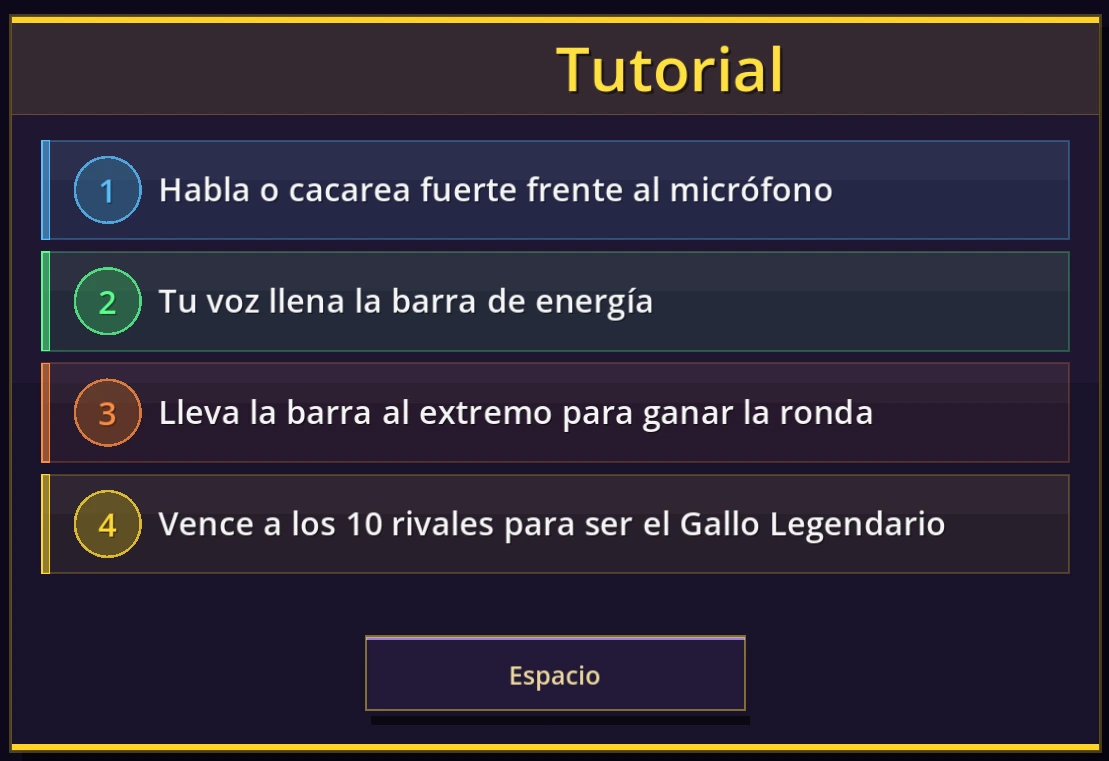
The short duel format leaves little time to correct a confused start. Wait for the game's cue instead of making continuous noise throughout the menus. Notice when a round is preparing, when the active interval begins, and when the result appears. Use the visible feedback to understand whether your input arrived during the meaningful part of the contest. This is an observation exercise, not a claim that a particular rhythm or phrase unlocks a hidden advantage.
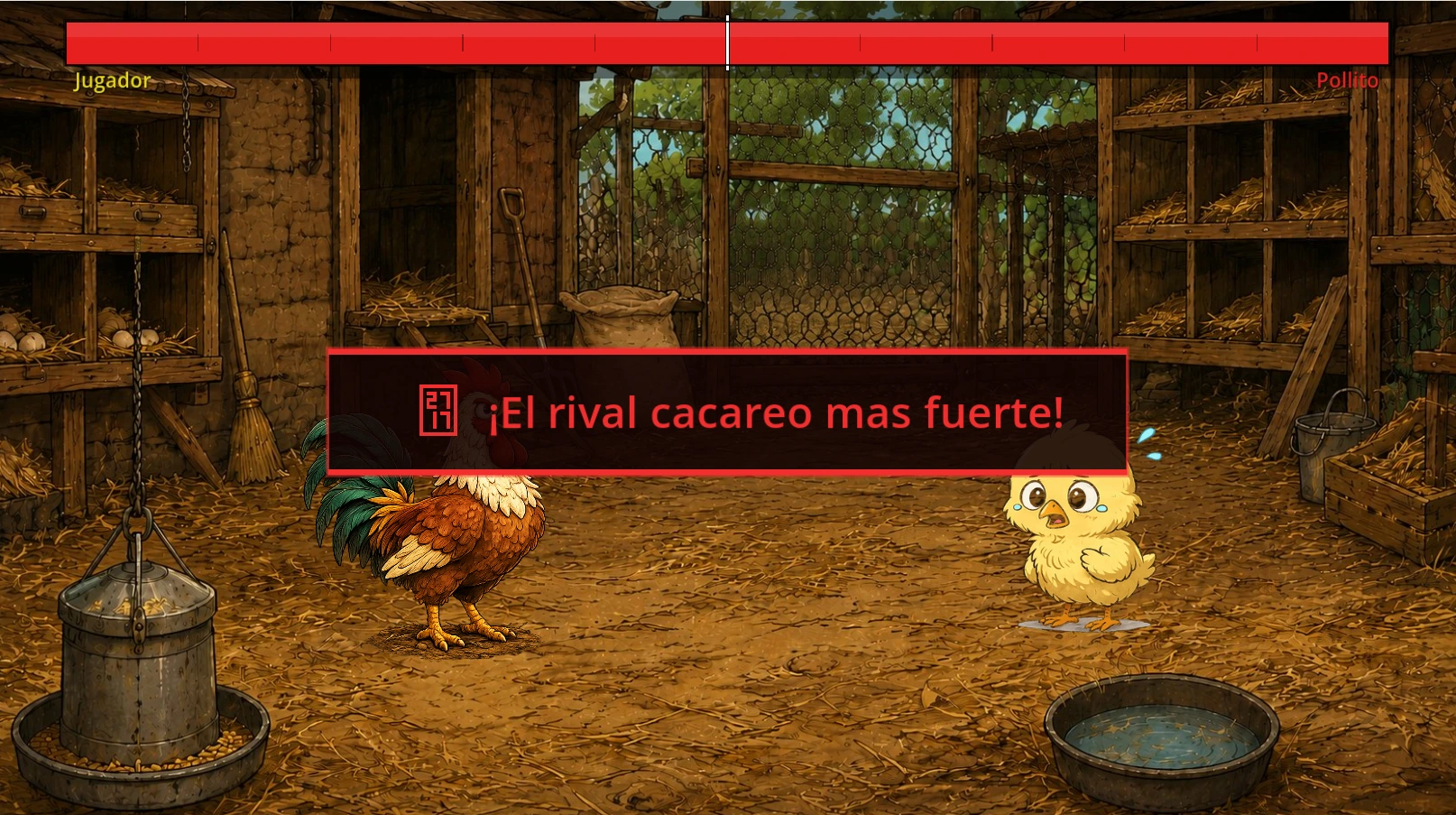
After a round, pause long enough to understand the result. If the input meter reacted but the outcome was disappointing, the permission system is probably not the first thing to change. If the meter stayed flat, revisit setup before blaming your timing. This separation prevents random troubleshooting: check whether the game heard you, then check when it heard you, then compare the outcome. It is the microphone equivalent of watching whether a Pen Fight shot missed the target or simply lacked enough force.
Volume is not the same thing as words or pitch
Cluck Battle is presented as a volume-driven game. Do not assume it recognises a spoken command, checks your accent, or rewards a particular musical note. A silly chicken impression fits the theme, but the useful feedback is the audio level shown by the build. Try comfortable sounds that you can reproduce, rather than searching for a magic word. If your normal speaking voice already produces a strong response, making the sound harsher may add discomfort without adding useful control.
Automatic microphone processing can also complicate comparisons. Some devices suppress background noise or adjust gain without making those changes obvious in the game. That is another reason not to treat a single round as a laboratory measurement of how loud someone is. Keep the setup stable, follow the visible cues, and judge your improvement over a few attempts. There is no need to disable every protective audio feature just to turn a small browser diversion into a more extreme volume contest.
Meet the rivals without inventing a shortcut
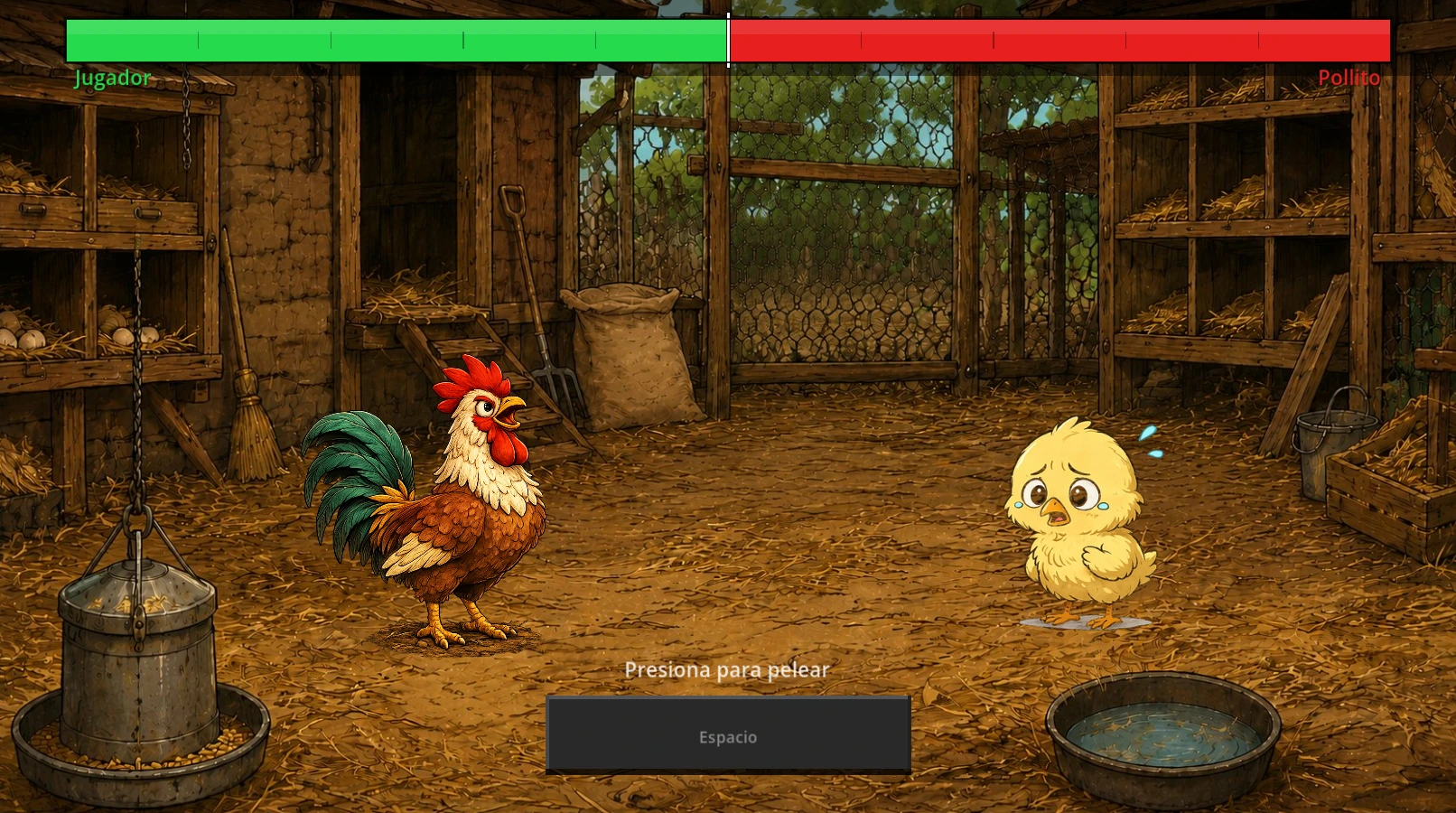
The source description lists ten unlockable chicken opponents. Their presentation gives the short battles a reason to continue beyond one sound check, but this guide does not invent a guaranteed unlock sequence or attach unsupported difficulty statistics to individual rivals. Read the opponent information and result screens in the loaded build. If a new option becomes available, try it under the same microphone conditions so you can compare the experience without changing several things at once.
A useful session goal is modest: get through a clean round, understand a result, or try the next available opponent. You do not need to clear everything to enjoy the joke. When a rival proves awkward, return to repeatable input before searching for exploits. Watching the round cue and keeping a stable signal are transferable habits. Claims about secret commands, instant unlocks, or a guaranteed winning volume would require evidence from the actual game, so they are intentionally absent here.
Make a shared desk session fair
The embedded game supplies the chicken opponents; this page does not add online matchmaking. You can still make a casual pass-and-play activity by taking turns on one device. Agree on the same microphone position, keep the same settings, and let each person settle before starting. Describe this honestly as a house-rule comparison, not a built-in multiplayer mode. A friend leaning closer to the microphone should not automatically be mistaken for someone mastering a harder challenge.
Headphones are useful when the game's own audio can reach the microphone. Speaker feedback may contaminate the input, making it hard to tell whether your voice or the soundtrack caused a peak. Keep the output level comfortable and avoid playing loudly near people who have not agreed to the session. If the room is busy or you need to stay quiet, switch to Pen Fight or Uncanny Cat Golf. A microphone game is an optional alternative, not the right fit for every desk break.
A short Cluck Battle practice plan
Use a brief three-part routine if the game feels unpredictable. First, test silence and an ordinary speaking sound outside the pressure of a duel. Second, play a round without changing the device position, concentrating on the start cue. Third, compare the live response with what happened in the previous attempt. This gives each round a purpose. It also makes it easier to stop after a few useful tests rather than repeating the same frustrating action with steadily more effort.
If two attempts behave very differently, check the environment before inventing a hidden rule. Did another person speak? Did the laptop fan speed up? Did you lean away from the microphone? Did the output move from headphones to speakers? These are ordinary differences with visible consequences in a volume-controlled game. You do not need to measure every sound, but noticing a changed condition can save you from drawing the wrong conclusion about an opponent or your own timing.
For an informal score challenge, agree on comfort limits as well as device settings. Give everyone the option to skip the microphone activity and play a mouse-controlled game instead. Do not record another person's voice or upload a clip just because a browser permission exists. This website's game frame is not a recording consent form. A quick arcade break works best when the controls are understandable, the room stays comfortable, and nobody feels obliged to make more noise than they want to make.
Troubleshoot the input, not your throat
When there is no response, work from the simplest checks outward. Confirm the device is not physically muted. Check that your operating system permits the browser to use it. Review the site's microphone permission, then verify the selected input. Close another call or recording app if it appears to be holding the device. Reload the player after changing a blocked permission, because an already running game may not automatically retry a failed request. None of these checks requires installing an unfamiliar driver utility.
If the frame itself fails to load, investigate connectivity or blocked external resources separately. Microphone settings cannot repair an unavailable game host. Mobile browsers and managed devices may impose additional limitations, so this page cannot promise identical behaviour on every phone or network. Finally, stop if speaking becomes uncomfortable. Take a break and return at a normal volume. A successful session is one where the controls make sense and the duel stays funny, not one that leaves you trying to outshout a microphone setting.